
Deep audio insight
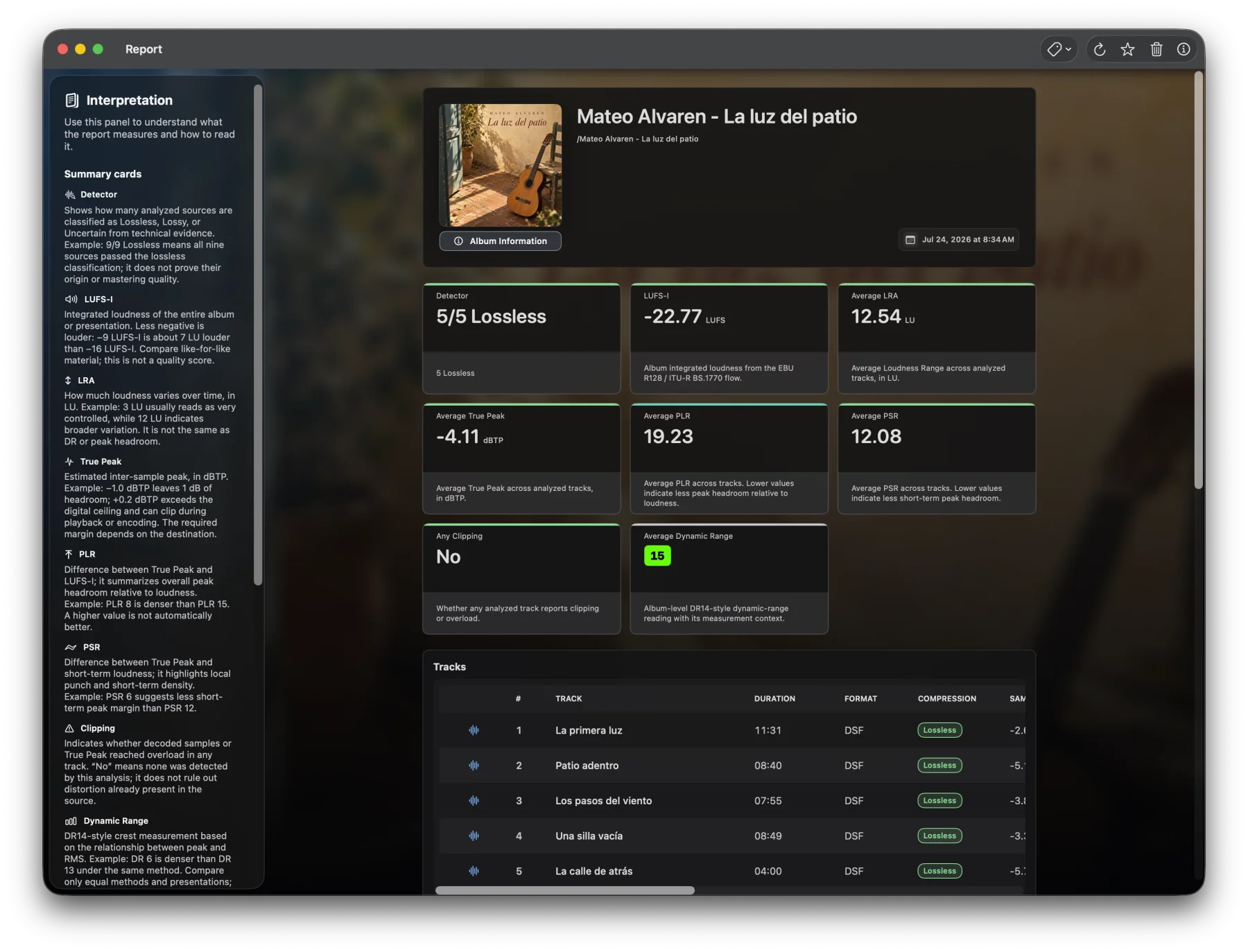
Detailed reports and complete track-level measurements.
Explore every detail with clear metrics, precise visualizations, comparisons, and reliable results.

Free download. Pro is a one-time purchase - no subscription.
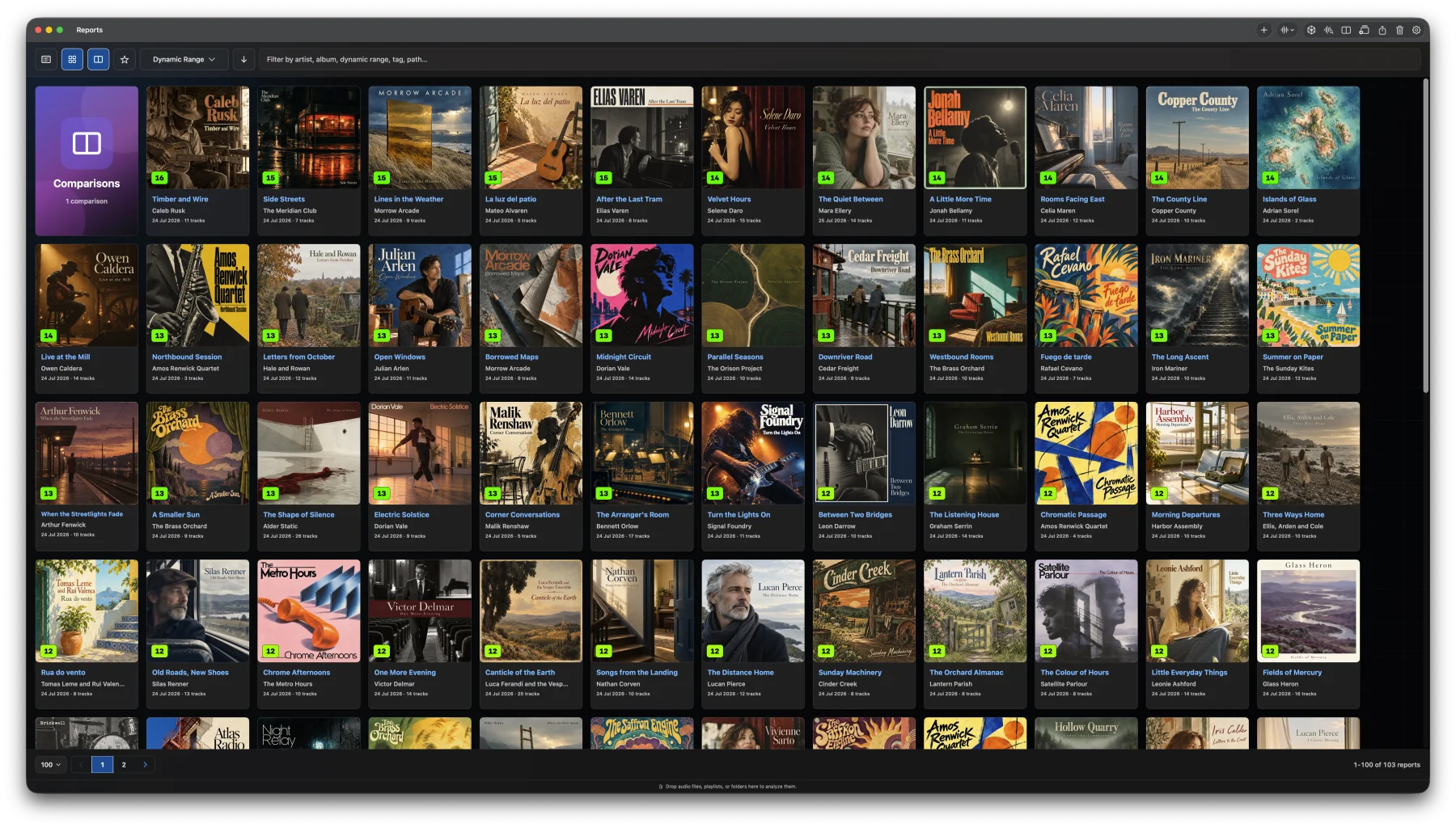
Detailed reports and complete track-level measurements.
Measure loudness, True Peak, dynamics, clipping, stereo balance, and more.
Complete mono and stereo analysis, plus multichannel QC and ADM masters.
A fast, native interface with local-first analysis.
One app
Analyze one file for free, or unlock complete album, comparison, library, Live Audio, and visual workflows with Pro. Audio analysis stays local; optional manual MusicBrainz and Cover Art Archive lookup is included in Free and Pro.

LUFS-I, True Peak, LRA, PLR, PSR, Legacy DR, clipping, stereo balance, and more in one native report.

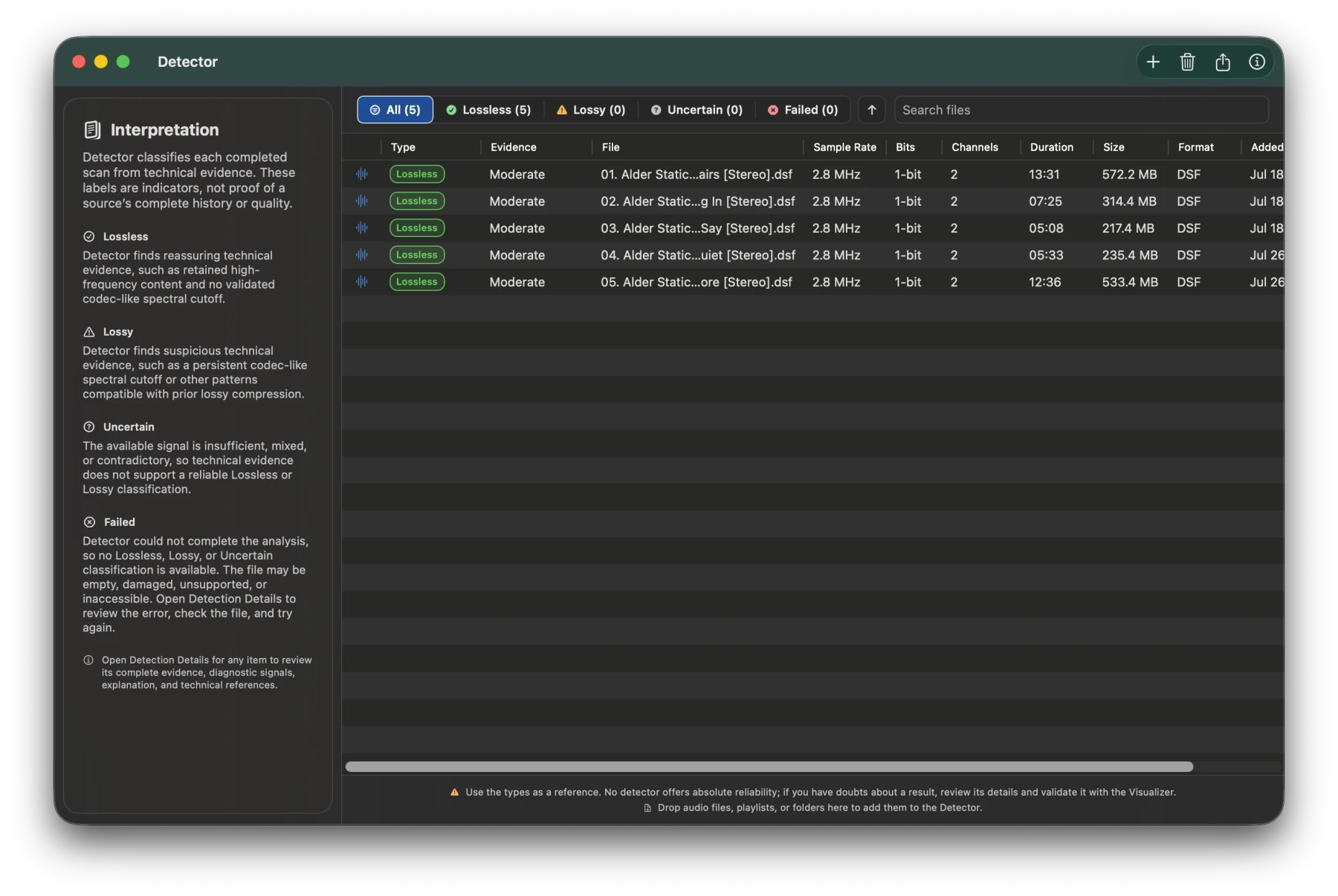
Review evidence that helps identify whether a source is Lossless, Lossy, or uncertain.

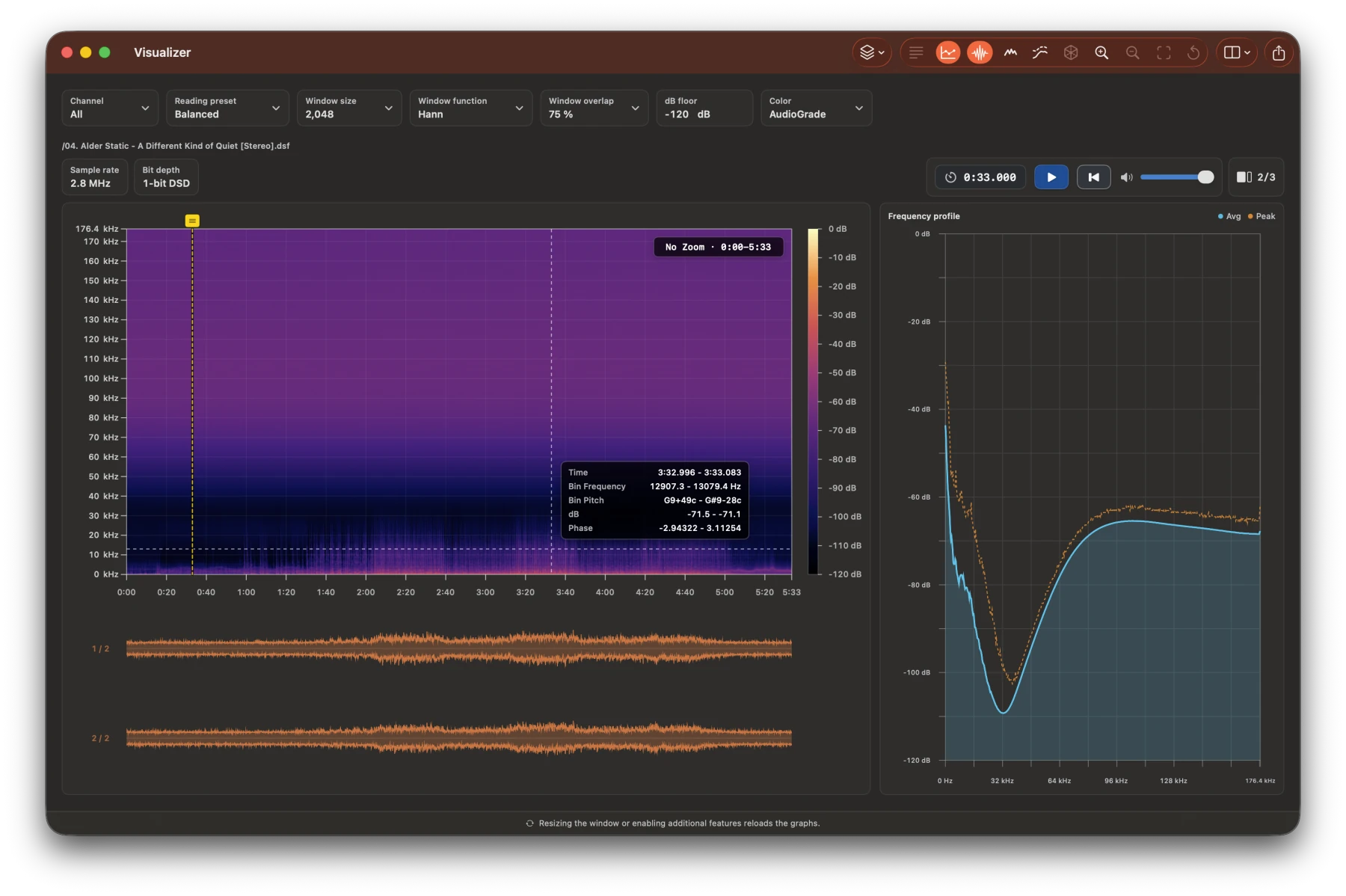
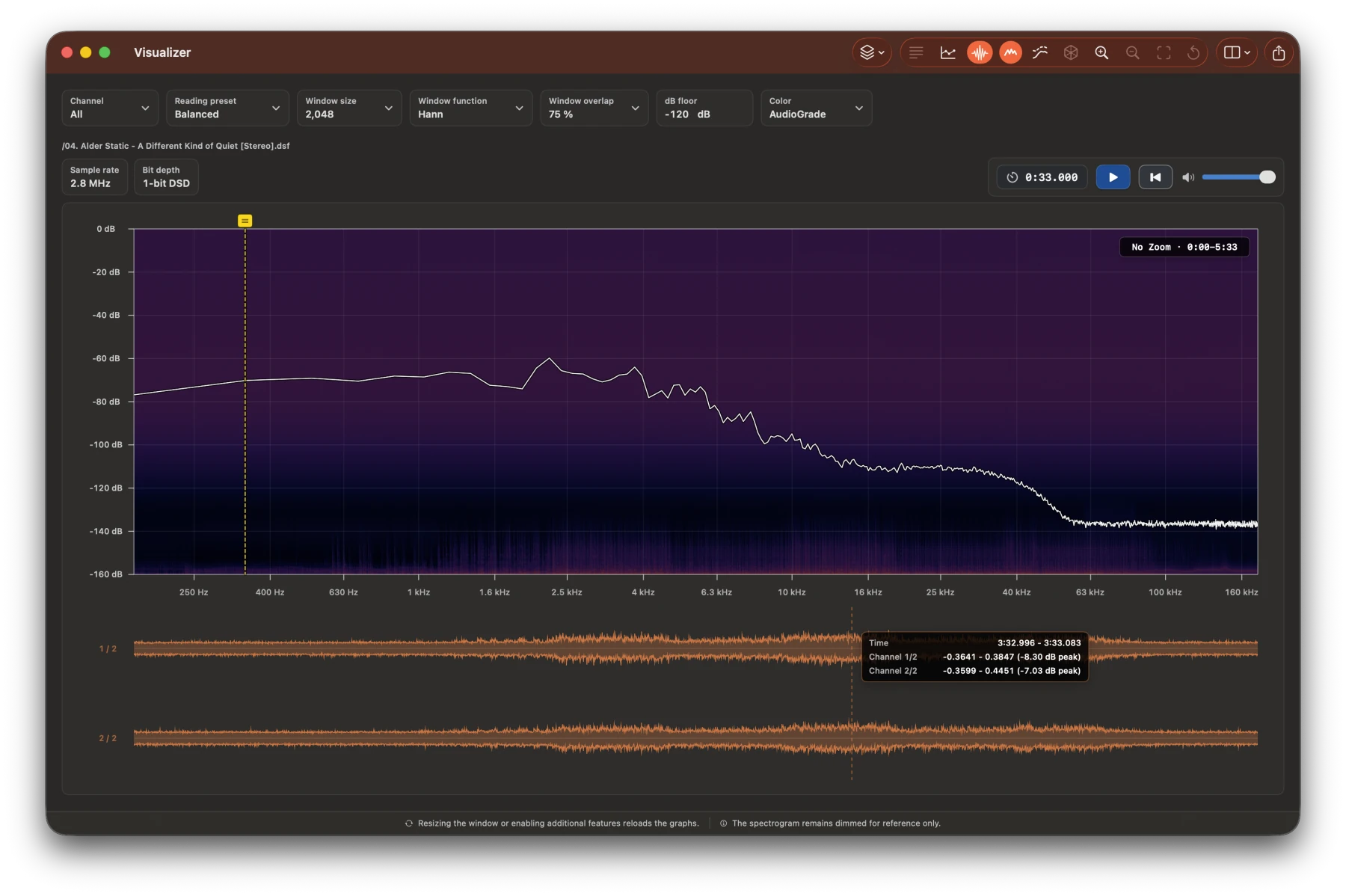
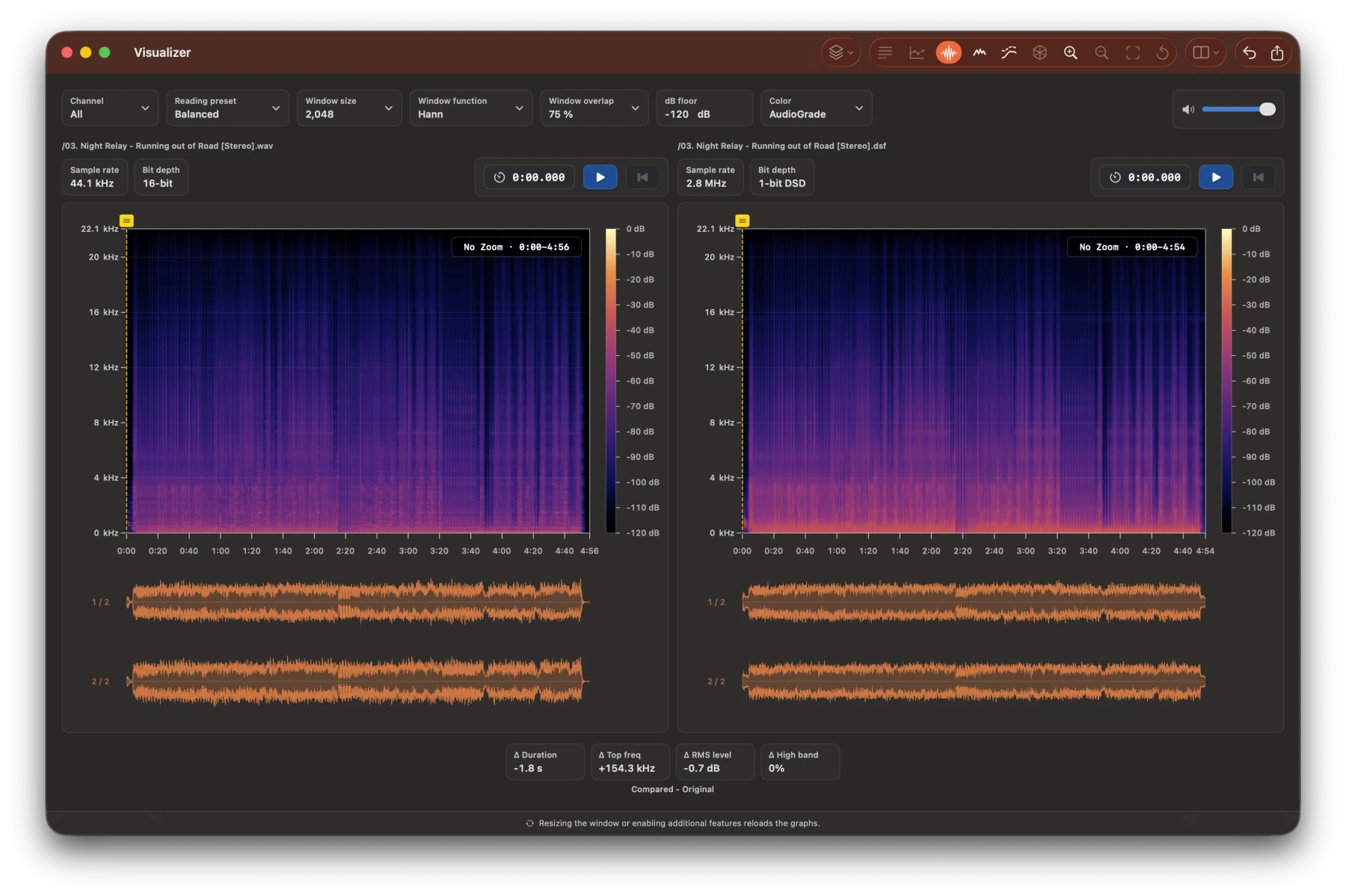
Explore audio visuals and comparisons with precise controls.

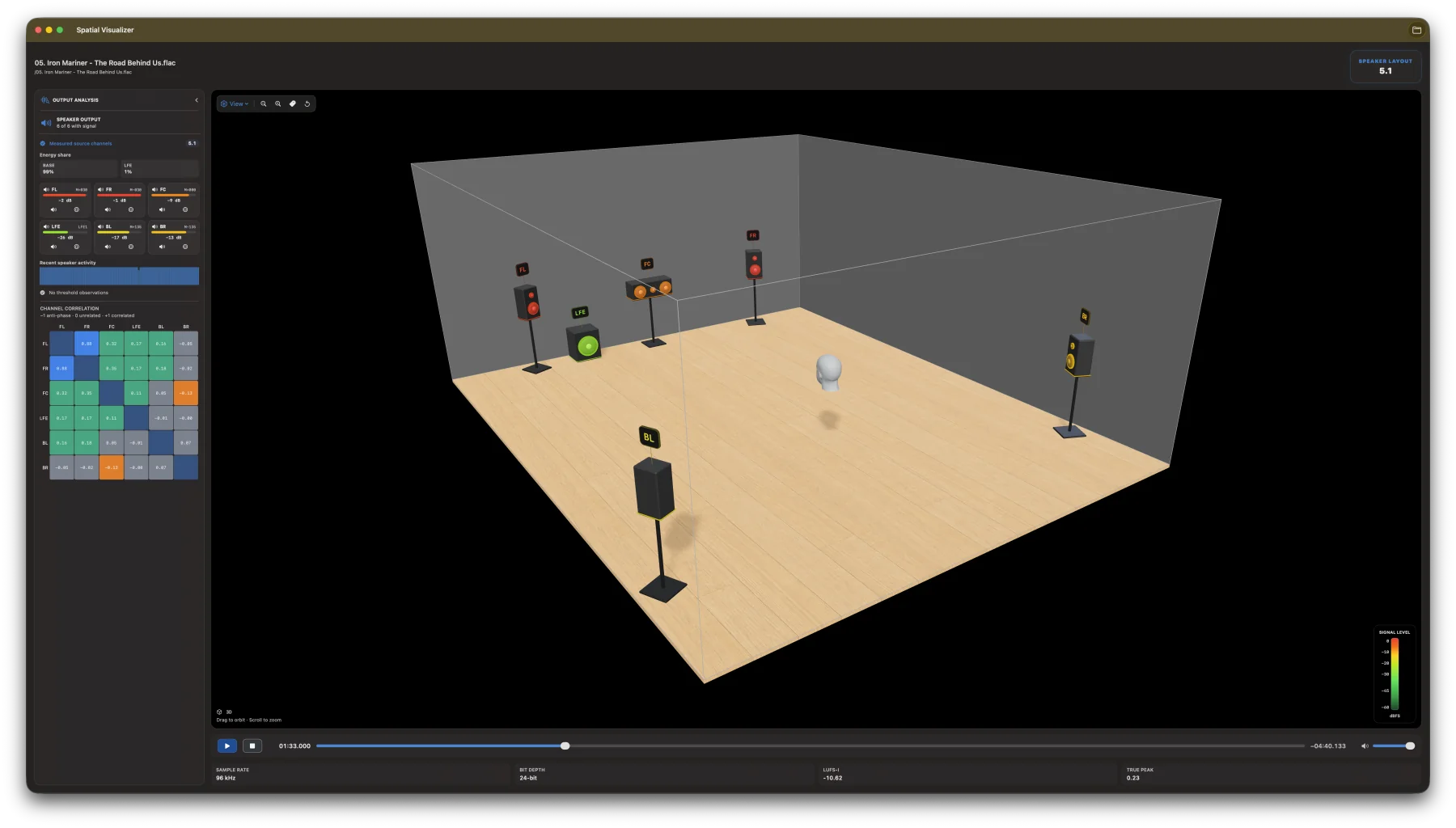
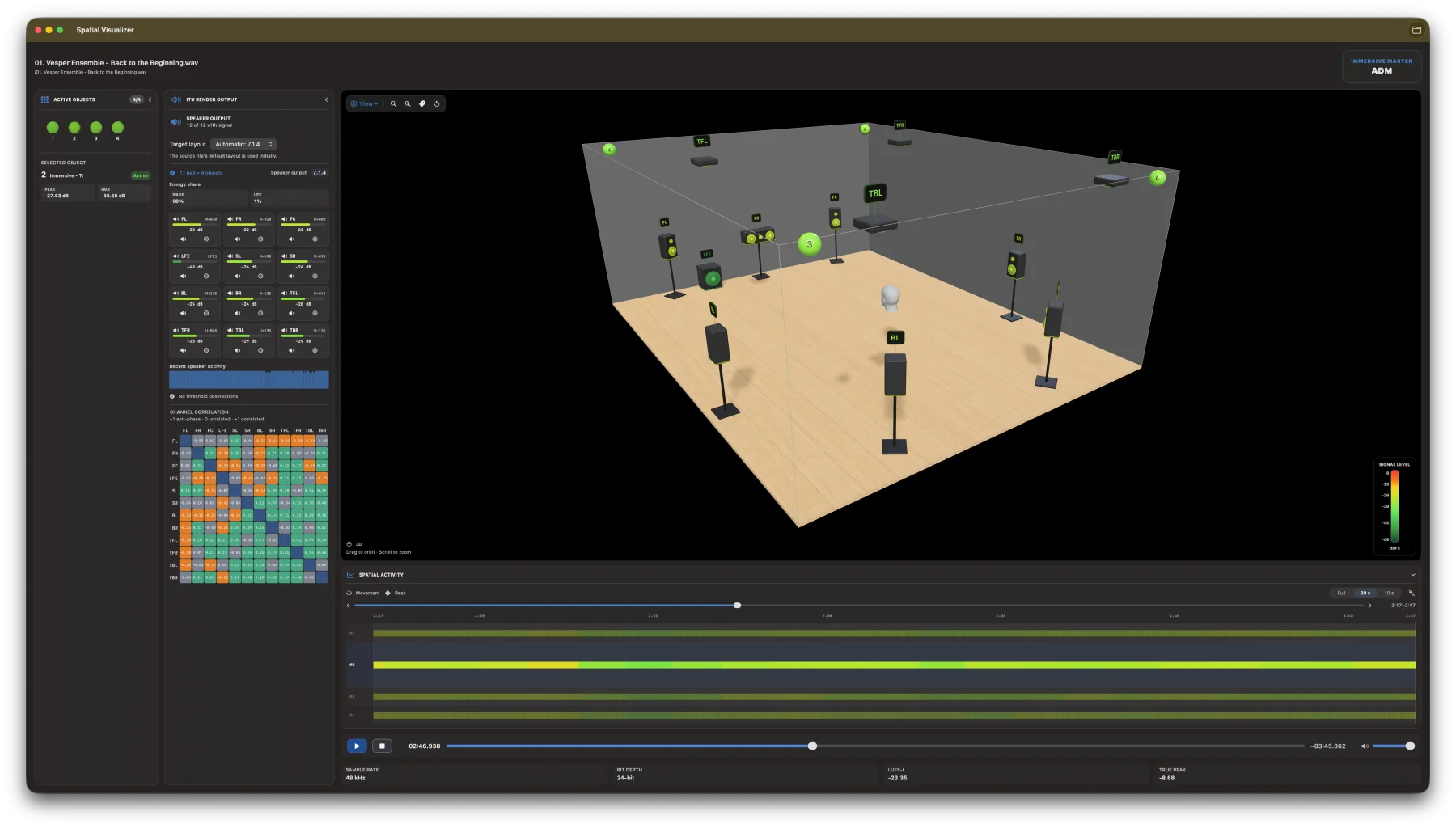
Inspect horizontal layouts and ADM objects, levels, and channel correlation.

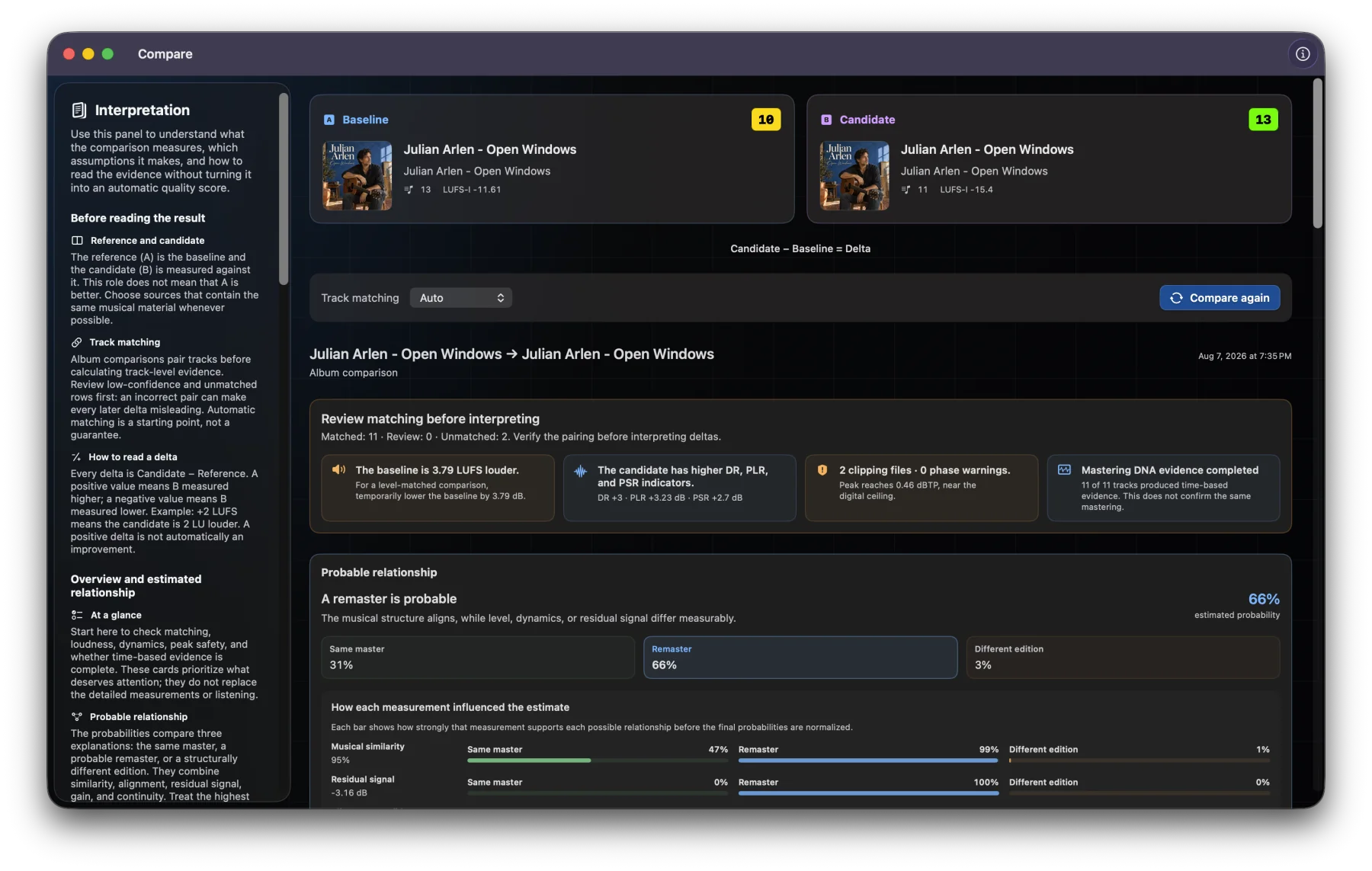
Compare tracks or albums with Mastering DNA, level-matched A/B, and blind ABX.

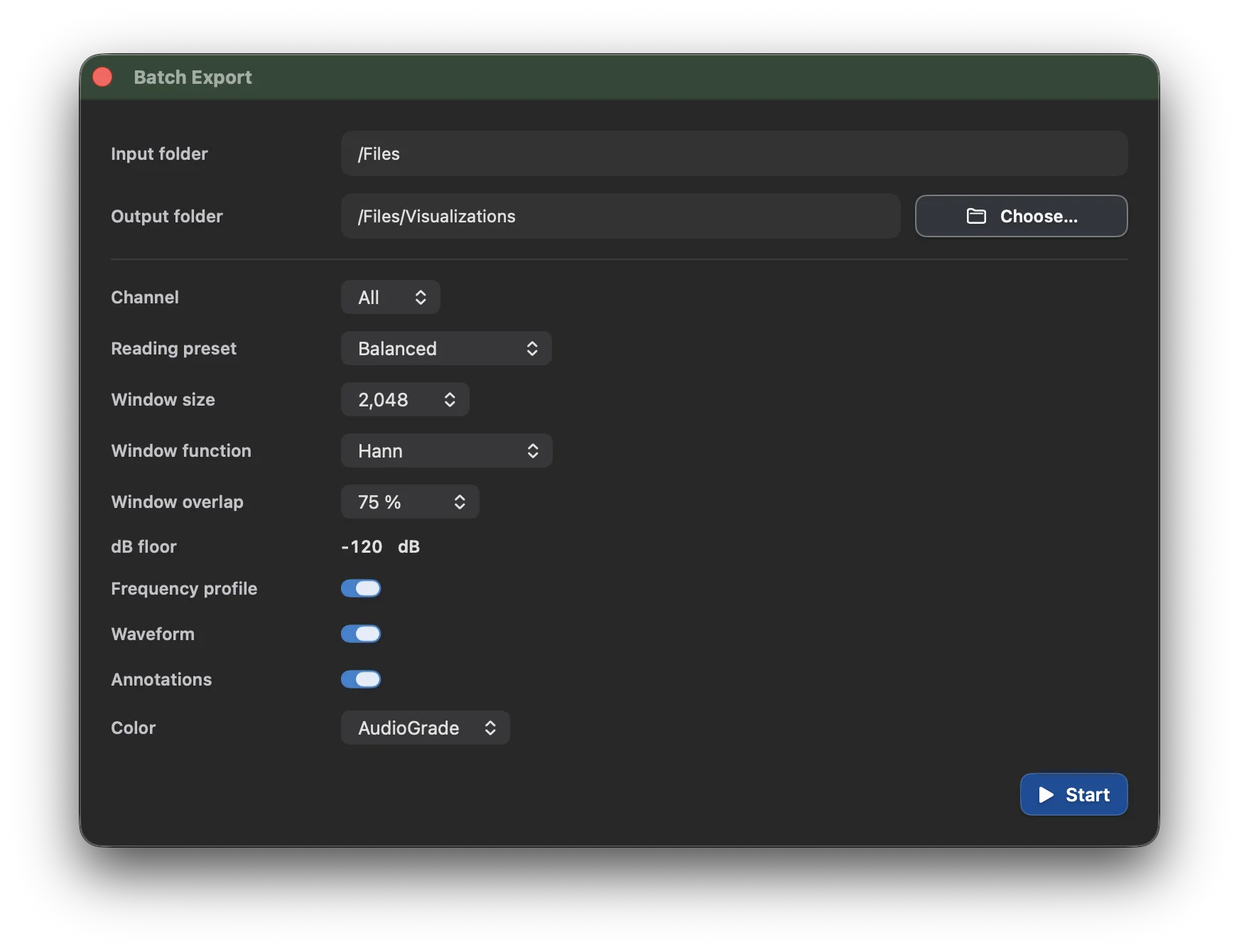
Export visuals for folders in bulk.
Formats
AudioGrade works directly with the lossless audio and playlist formats used by real music libraries.
Automatic
Auto uses 50% of available processors.
Automatic
Auto uses a 40% memory budget.
Performance
Tune CPU and memory budgets for album analysis, the analysis and batch queue, Detector scans, the Surround Visualizer, and Compare analyses.
Presets
Choose how many processing workers AudioGrade can use. Lower presets keep the operating system more responsive while work runs.
Presets
Pauses before starting more file work when the selected memory budget is exceeded.
Free configures resources automatically. Pro lets you adjust CPU and memory limits.
Foundations
The report engine and ADM processing follow recognized standards for loudness, metadata, and rendering. Detector findings use a separate, versioned validation methodology designed to remain conservative when the evidence is ambiguous.
Programme loudness, True Peak, EBU Mode metering, Loudness Range, ADM metadata, and ITU reference rendering are implemented against the following primary specifications.
The Detector evaluates spectral cutoffs, retained high-frequency energy, temporal persistence, sample-rate consistency, and contradictory evidence. Its thresholds and safeguards are versioned and tested before release.
These are transparent engineering claims, not third-party certifications. Detector is a forensic screening aid, not proof of a file's provenance.
Options
Free includes complete analysis of individual mono and stereo files. Pro adds multichannel analysis, Live Audio, ADM, advanced Visualizer tools, folders, albums, and playlists, along with Batch Export, Compare, Detector, and CSV exports.
| Feature | Free | Pro |
|---|
The same measurement engine powers Free and Pro. Pro expands workflow and capacity, not measurement accuracy.
Ready
Download AudioGrade and upgrade to Pro if you need all its features or simply want to support its development. Thank you!